Fractal plant growth game
[Spring 2025] Nature's mental health benefits inspired us to develop a video game where the player can grow their own plant. We wanted to replicate the peaceful, and even meditative, experience of interacting with nature. This led us to consider what factors impact a plant's growth, such as sunlight, water, and fertilizer. Additionally, if a plant is under the care of a person, that person wields a significant influence on the plant's health.
- Suitable forB.Tech/B.E Embedded Systems students
- Build time4-6 weeks
- LevelAdvanced
- Available atAjvika Labs, Kakinada
About this project
A calming and meditative plant-growing game!
Introduction
Nature's mental health benefits inspired us to develop a video game where the player can grow their own plant. We wanted to replicate the peaceful, and even meditative, experience of interacting with nature. This led us to consider what factors impact a plant's growth, such as sunlight, water, and fertilizer. Additionally, if a plant is under the care of a person, that person wields a significant influence on the plant's health.
In our game, we gradually animate the growth of a plant over time as the player adjusts the sun's position and intensity and provides rain and fertilizer at desired intervals to the plant. The end result is a beautiful cherry blossom tree reminiscent of real trees on Cornell University's campus. Ultimately, the game encourages the player to be focused through fostering the plant while providing a visually-appealing and calming "environment" for the player to take a break from studying or work.
High-Level Design
Sources
Since our project involves simulating "organic" growth patterns, we researched fractal generation. The class repository includes some fractal-based projects, such as the Barnsley Fern, which were relevant to our project's final animation. Additionally, Hung Wen-Chen, a Computer Science student at Cornell University, developed a plant generator using L-Systems for computer graphics purposes. This provided additional direction for how to implement a system that can progressively "grow" a plant and have the user's input actually impact the plant's growth.
To further enhance our game interface, we attempted to incorporate a real GameCube controller for the user to interact with the plant. Thus, we found a driver that maps the GameCube controller's buttons and toggles to a USB driver. We ultimately chose to simplify our user interface, but this was a significant part of our initial design.
All of the resources mentioned in this section as cited appropriately in the Appendix under "References". These include any and all fractal generation code we took inspiration from as well as research papers with pseudocode that allowed us to develop our own design.
Structure
We structured our project such that we utilized minimal hardware components and based our software primarily on the course's demo code. The Pico microcontroller, VGA display, and several buttons and potentiometers for our user interface and running our program. We based our code in the VGA Animation demo code as well as pseudocode describing generating a plant in Python using L-System. This structure not only makes our project more accessible and reproducible, but it also challenges us to cleverly make use of limited resources (memory, ADC inputs/outputs, etc.).
In addition to programming the Pico in C, we chose to use Python to validate the logic of both the L-System's animation and alternative methods. This was especially crucial for parallel programming because we still had to implement our user interface before we could validate our animation on the VGA display. Therefore, we used Turtle Graphics in Python to illustrate our animation code on our individual computers before rewriting the code in C and combining it with the VGA Animation code.
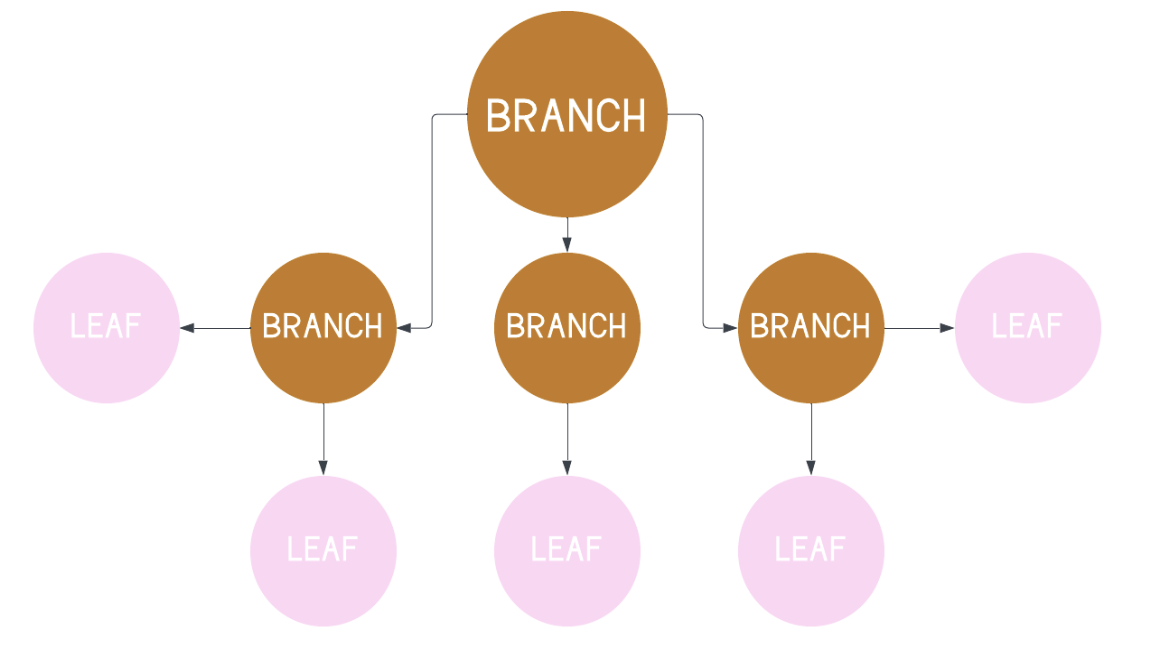
Figure 1. Node-based tree generation organized in a generic tree structure.
As mentioned earlier, nature contains countless examples of fractals, such as snowflakes, rivers, and even plants! Therefore, we initially used an L-System, a mathematical system that can generate fractals, to model our tree's growth in the video game. However, this system was too deterministic, so we switched to a generic tree structure where each branch or leaf is represented by a node.
This node-based design allowed us greater control over how a node is generated. The player can adjust the water level, fertilizer level, sun's position, sun's intensity, and plant's natural tilt which affects the plant's size, growth rate, and growth direction. Thus, a node can be generated or updated based on these factors in real-time whereas the L-System only allows a "node" to be generated based on a discrete command.
Design
Hardware
The hardware consists of only the VGA display and the 5 input channels determined by the player. Two of these inputs are pull-down resistor GPIO ports that are set with a button. These buttons toggle whether the game enters the fertilizing and watering states. The other three pins correspond to the pico's 3 ADC channels and determine the values of Sun position, sun intensity, and plant angle. These channels linearly map the range of 0V - 3.3V to an integer range of [0, 4095]. Notably, this range is larger than the VGA's x-array zsize of 640. As a result, the high resolution of these channels allows for manipulation of the sun object at the VGA pixel level, which yields a smooth animation upon adjusting the potentiometers.
Figure 2. Hardware diagram showing connections between the Raspberry Pi Pico, buttons, potentiometers, and VGA display.
Software
VGA Display
The VGA Animation demo code from the course's repository guided our video game's development. Our objective was to refactor this demo code such that we combine concepts from our previous labs and build upon them with a unique implementation. On the VGA display, we wanted to display a histogram, text, and dynamic objects, similar to the Digital Galton Board lab. However, compared to that lab, ours required less physics and more tuning once the mathematical basis was set up, similar to the PID Controller lab.
Before attempting to implement the L-System code into C, we used Python Turtle Graphics to iterate on our animation design. As mentioned in "High-Level Design", we did animate a tree using L-System, but the output was too deterministic. Since the L-System design was recursive, that gave us the idea to switch over to a generic tree structure which is also traversed recursively.
Figure 3. Three iterations of the L-System animation in Python.
Figure 4. Three iterations of node-based animation in Python.
A key difference between the two animation styles is the randomness of the designs. The L-System design resulted in the first "branch" tilting to the right with some level of randomness in direction after that. The node-based animation allowed us to generate more variance in the direction of growth, and we also adjusted the "thickness" of each branch throughout the animation based on the depth of recursion (lower depths means newer branches which are thinner).
We refactored the node-based Python code into C which allowed us to statically generate a tree on the VGA display when the program started running. Initially, the program would take a random number to generate the tree as per the Python code's specification so we updated this to where the tree's growth is not just random. We incorporated the parameters into the growth and direction calculations for each branch or leaf.
The other major animation task was the rain and fertilizer falling. We wanted these to as closely appear as rain or fertilizer falling as possible. Therefore, we incorporated a bit of real world physics. Once rain has reached nearly the ground, it has also roughly reached temrinal veloctiy. Therefore the rain falls at a constant rate. However, the fertilizer should not be at terminal velocity if it is just dropped. Therefore, each fertilizer piece starts with a random velocity, and they all accelerate with gravity. This led to fertilizer and rain which looked realistic.
Parameter Tuning
Due to the limited number of ADC channels that the Pico had, we were unable to implement the wind parameters into our design. We needed to use all 3 of these channels and a few digital parameters to fully implement a properly animated plant. The parameters we included were plant tilt, water, fertilizer, and sunlight direction, as well as position. The water and fertilizer are each controlled by digital buttons connected to pull-down resistors. The remaining parameters each correspond to the ADC channels on the pico.
Thus, the end result is a tree starting out with only one stem that grows until it generates a variable number of branches. From there, the branches grow until it either generates more branches or generates a leaf which automatically terminates growth. Adding fertilizer speeds up the growth of the branches while adding water increases the length of the branches but not leaves. Therefore, adding water and fertilizer at key intervals can change the shape of the tree.
Furthermore, the sun's position and intensity impact how strongly the plant grows towards the sun where the sun's position determines growth direction while intensity is actual probability that the plant will grow towards that direction. The plant's tilt also influences the plant's direction of growth, so the impact of the sun as well as the plant's set tilt oppose each other depending on the sun's intensity.
The Sun position parameter is shown via its visual location on the VGA display. The tilt has no graphic representation. The rest of the parameters are represented via a histogram. Each parameter has a value on a scale of 0-100. The fertilizer and water parameters increase when their corresponding buttons are pressed. The state of the given parameter changes to allow to the value to increase over time. When the button is released, the value of the given parameter will slowly decay until zero. Note that fertilizer increases at a faster rate than water when its button is pressed. The sun intensity is also represented as a bar in the histogram. This value is not a direct mapping of the sun intensity ADC channel, but the evolution of the bar value is influenced by the current integer value of the channel. There is a band in the middle of the ADC channel values for which the intensity bar does not change. Above this, the value increases at a constant rate, and below th
Technologies used
Hardware components
- Raspberry Pi Pico
- VGA display
- IMU
- ADC
Software & tools
- Python
Project demo video
What you get
- Working project / hardware kit, tested before delivery
- Complete source code with explanation
- Project demo and guidance for your viva
- Project report, PPT and IEEE paper support (on request)
Related Embedded Systems projects
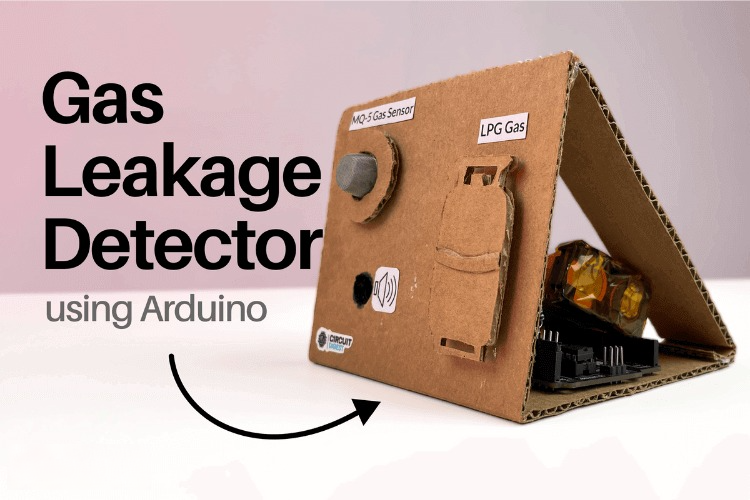
Gas Leakage Detector Using Arduino
A budget-friendly LPG gas leak detector built with an Arduino and MQ-5 gas sensor, triggering a buzzer and LED when unsafe gas levels are de...
View project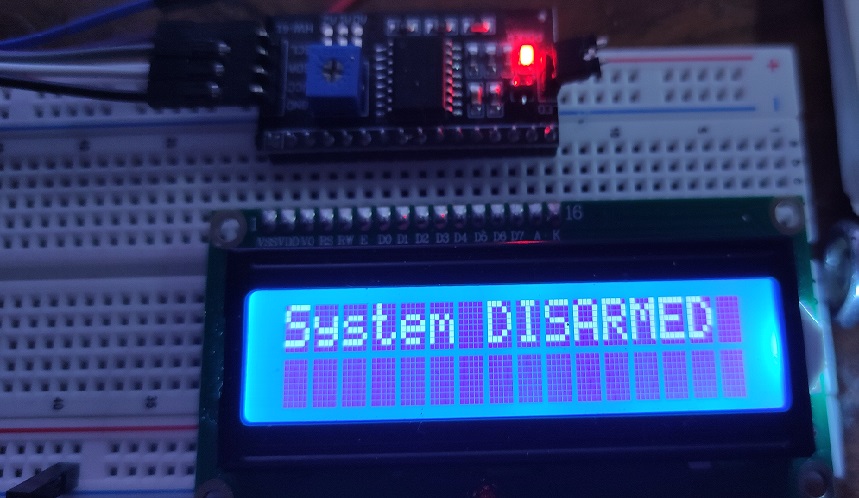
Simple Alarm System
A beginner-friendly home alarm with PIR motion sensing, keypad PIN entry, and separate entry/exit timing delays, built to be easy to expand.
View project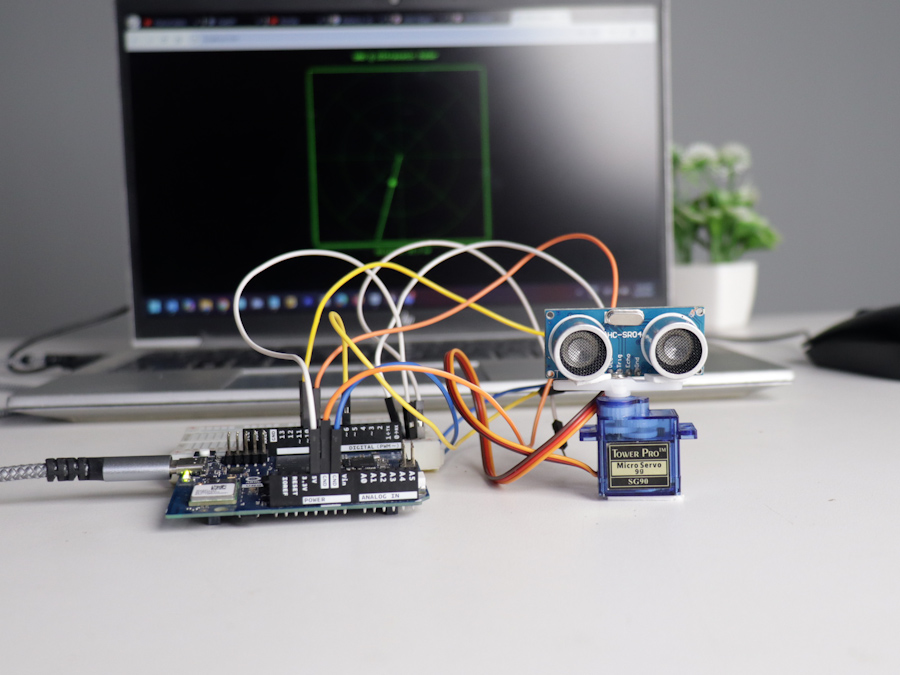
Ultrasonic Sensor Project with Arduino UNO Q
A beginner-friendly first Arduino UNO Q project: a servo-swept ultrasonic sensor that renders a live sweeping radar display in a web browser...
View project
3D Audio Localization
[Fall 2025] We designed a real-time embedded system that localizes sound sources in three dimensions and visualizes them live using a four-m...
View project